Specify the connection you need
Write down whether the customer needs wired CarPlay, wireless CarPlay or either method. Add the intended phone and relevant software version. Do not let an offer replace that requirement with a general statement such as smart screen or phone compatible, because those descriptions can refer to different functions.
The connected-functions review separates the installed system from online services. Treat this article as a verification method, not a claim that every Seltos year or market supports CarPlay. Ask for the correct vehicle information and a demonstration before adding that function to a customer-facing equipment list.
The 28 July 2026 China introduction names CarPlay alongside HiCar and Carlink. It does not establish that every earlier China-market system has the same support, or that the offered car provides the wireless method a buyer expects. Keep the compatibility claim and the observed connection method as separate entries in the equipment record.
Identify factory equipment and later changes
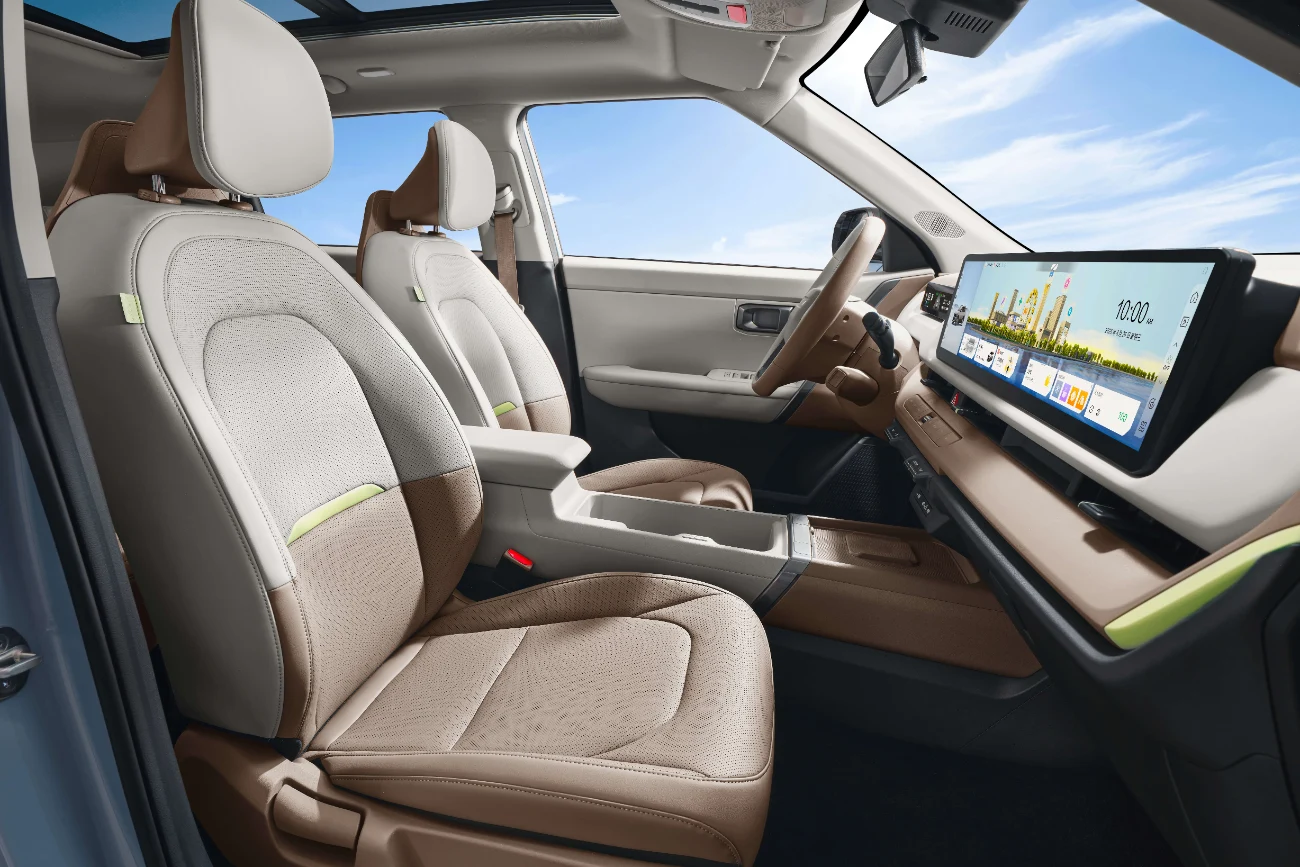
Request the original system description and any head-unit replacement or accessory record. A screen that looks similar to the manufacturer photograph may contain different hardware or software. If a third-party system is fitted, name it and establish who can support it after the sale.
Use the equipment checklist to distinguish the original specification, the currently installed equipment and demonstrated operation. A successful accessory setup can meet a buyer’s requirement, but it should not be described as an original factory function unless that status is established by the relevant evidence.
Make the demonstration repeatable
Ask the demonstrator to show the connection process and identify the port, cable or wireless method used. A phone charging through a USB socket is not proof of data projection. Record any adapter that remains connected, even if it sits out of sight inside a storage compartment.
Request the ordinary functions the customer needs, such as compatible navigation audio and call sound, while the vehicle is stationary and operated appropriately. Keep the demonstration result tied to that phone and configuration. It does not establish compatibility with every future software release or every phone the buyer might later use.
Separate native wireless from an adapter
If the offer says wireless, ask whether the installed system provides it directly or whether an additional device bridges the connection. Record the device model, included accessories and setup instructions. A short wireless demonstration should not hide a dependency that the buyer must maintain or replace.
Have the supplier disclose any limitations it observed, including reconnection behaviour or a function that remains untested. Do not promise that a software update will add an unavailable feature. Obtain confirmation from the responsible provider before assigning value to an upgrade that has not been completed and verified.
Discuss destination use precisely
Phone projection, embedded navigation, mobile-data services and remote vehicle control are separate questions. A successful CarPlay connection does not confirm that the car’s own account-based services operate in the destination. Ask the provider responsible for each service to explain any applicable regional requirements.
Likewise, language availability on the phone does not prove every vehicle menu can use that language. Request photographs of the relevant settings and ordinary controls. If language support is mandatory for retail delivery, write that requirement separately rather than assuming one working app resolves the whole cabin interface.
Preserve privacy and the supplied setup
Before release, agree how previous personal data and accounts will be handled through the appropriate vehicle or provider process. Avoid asking a seller to pass on private credentials as a substitute for a legitimate handover. The customer should know which functions require their own account or setup.
The handover preparation guide gives cables, adapters and documentation a place in the supplied-items record. Photograph the final accessory set and state who will support a third-party installation. If a demonstration relied on the seller’s personal adapter, clarify whether an equivalent verified item is included or must be purchased separately.
Decide with a clear pass or pending result
For a dealer comparing two Seltos offers, record the required connection as demonstrated, unavailable or still pending. Do not turn pending into confirmed because the screen appears newer. A buyer may accept an alternative setup, but that decision should follow a clear explanation of its equipment and support implications.
Send Panda the new or used preference, accepted versions and exact connection requirement. Request a fresh check if the selected car or installed system changes. Keep the successful setup details with the final vehicle record so the receiving customer can reproduce what was demonstrated and understand any remaining limitations.